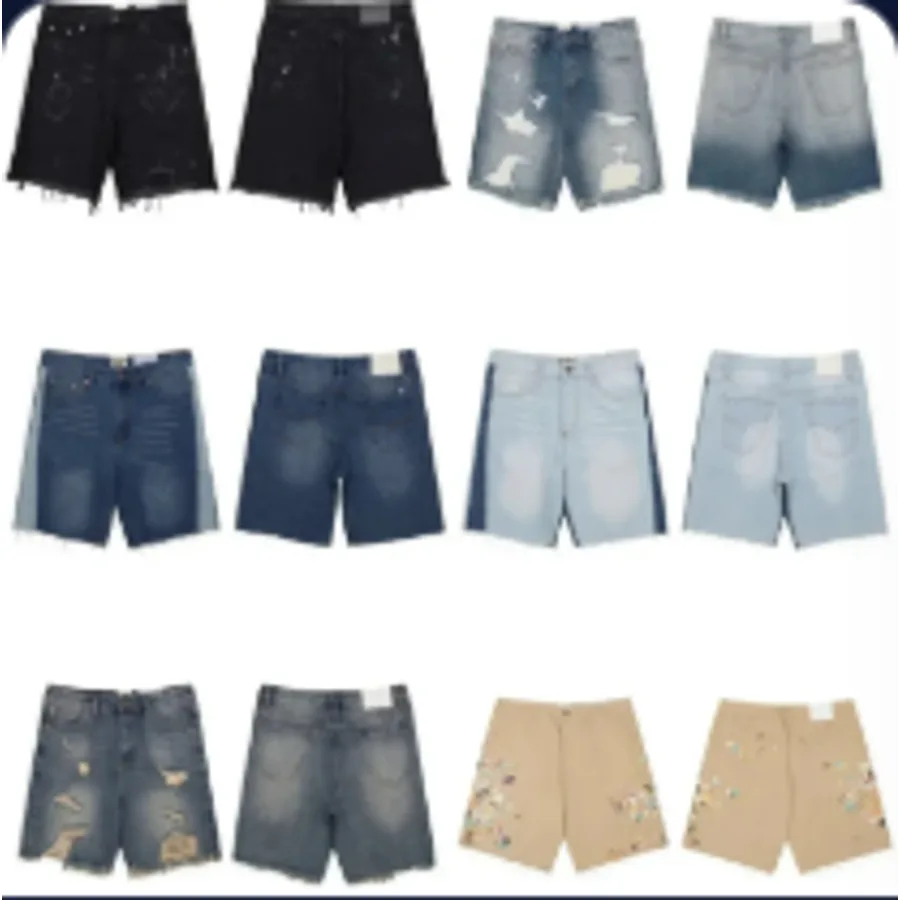
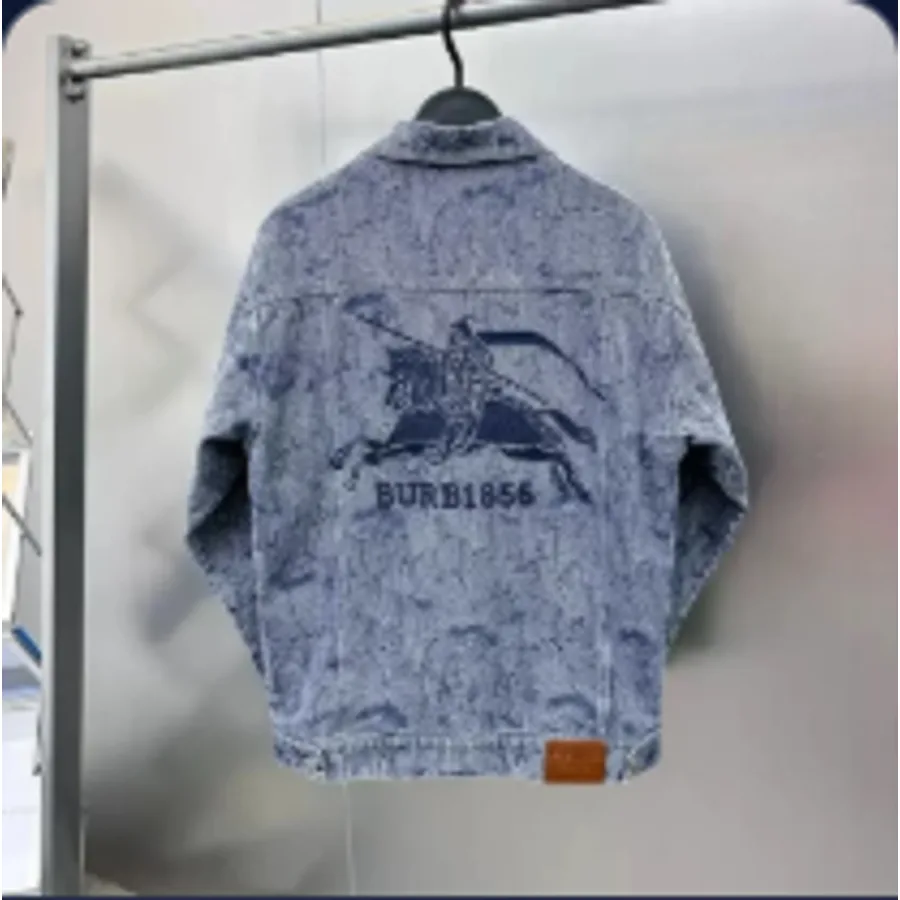
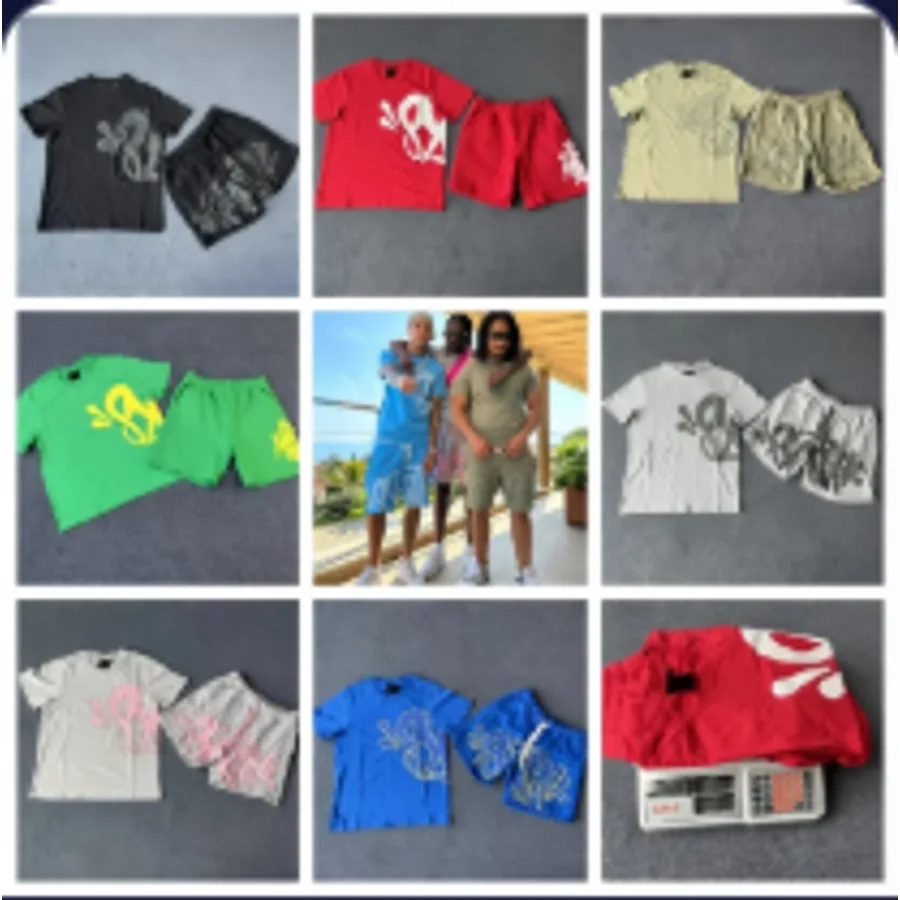
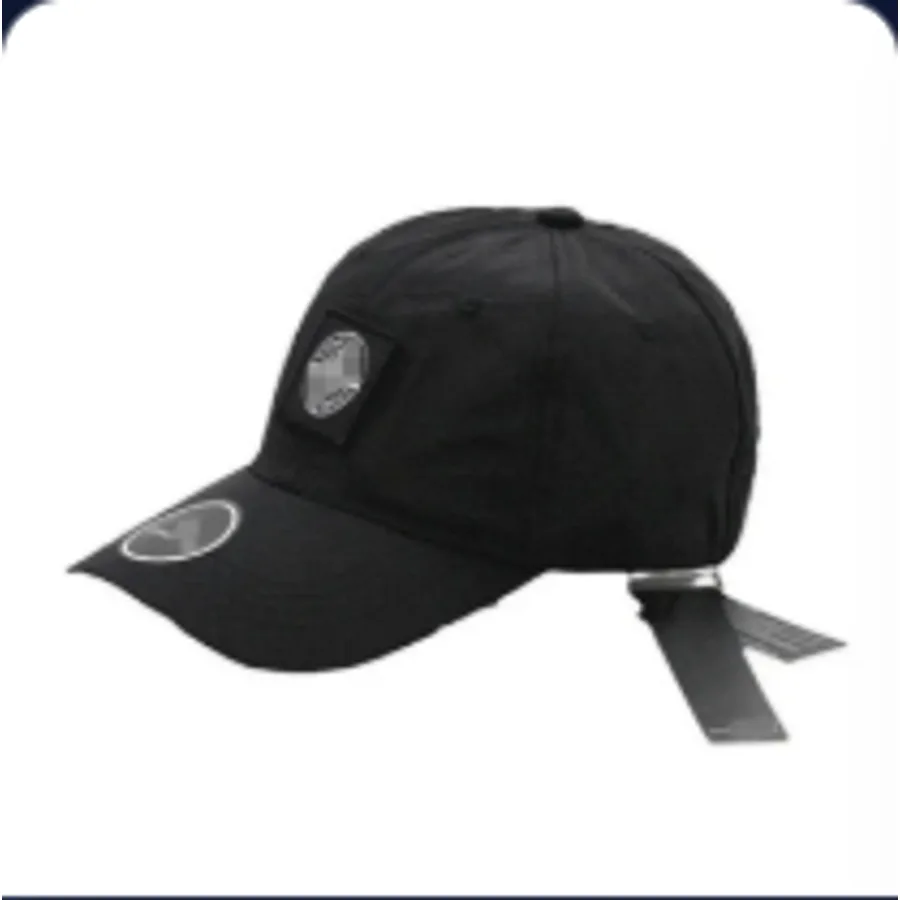
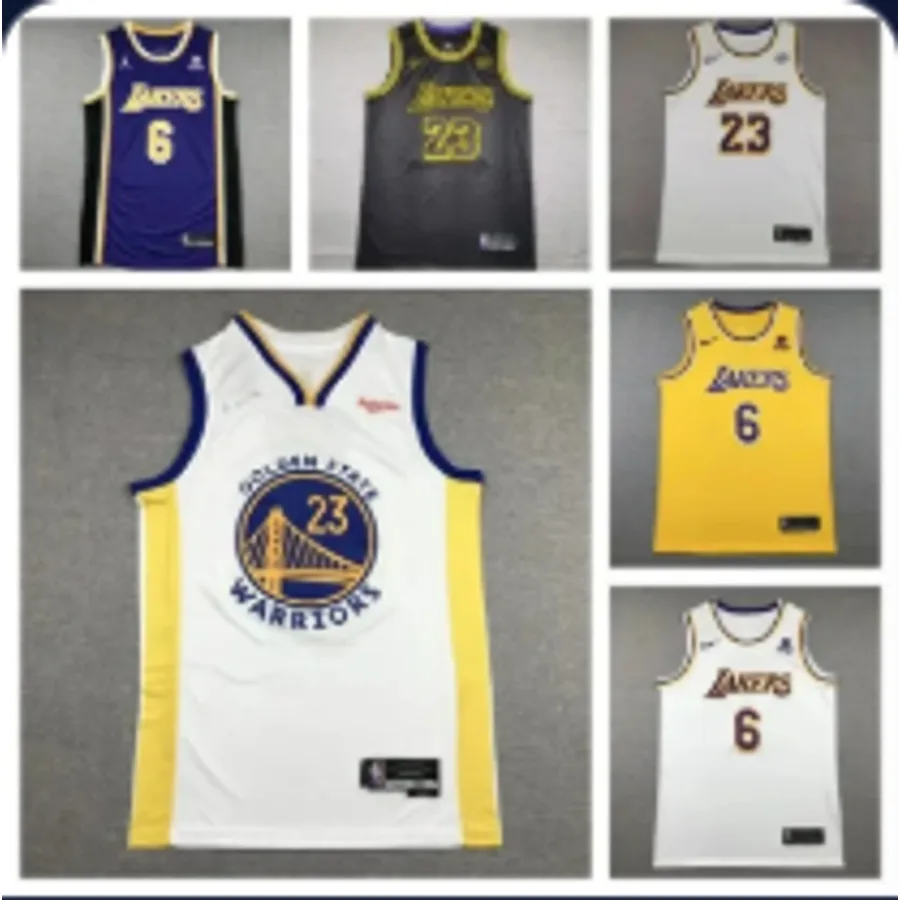
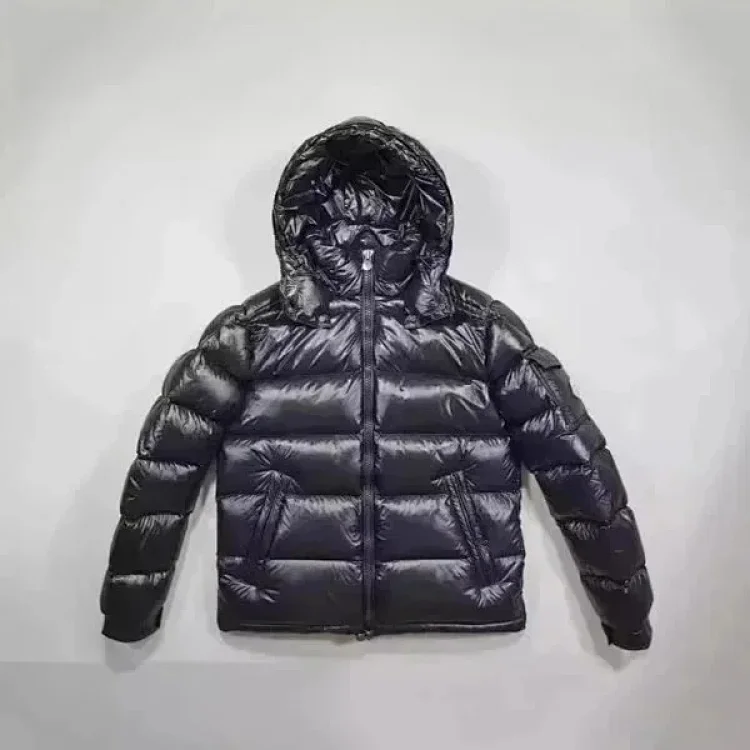
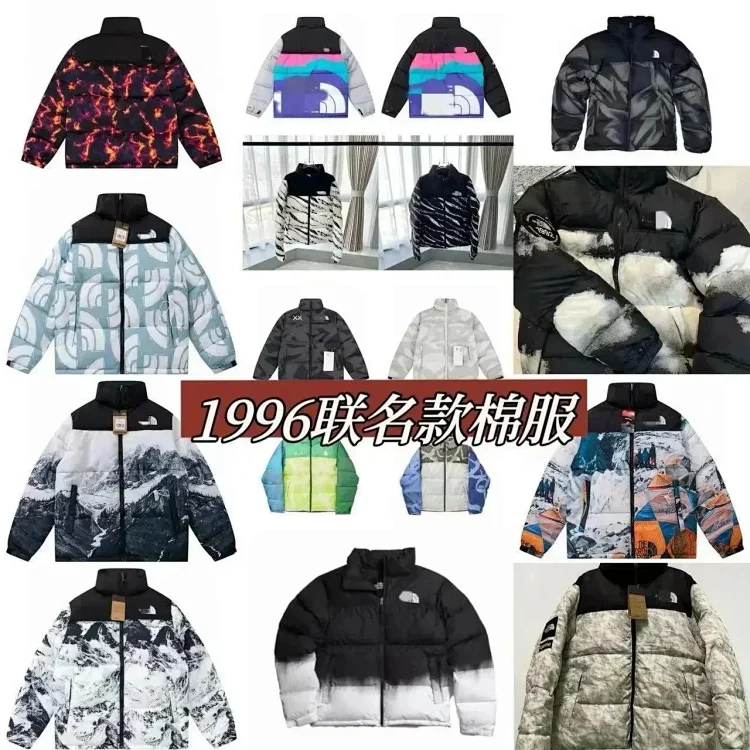
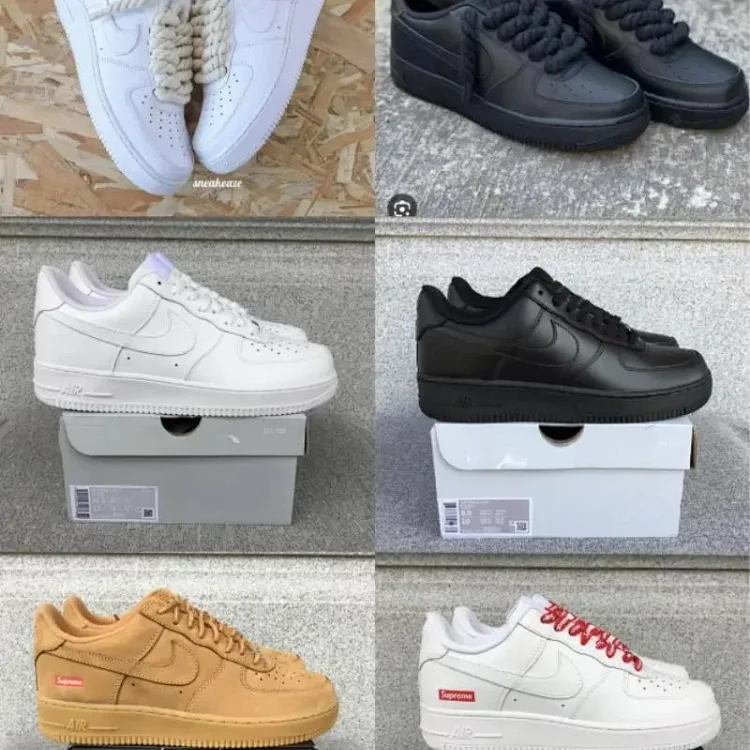
If you have spent time on Reddit, TikTok, Discord, or YouTube shopping communities, you may have seen people sharing Kakobuy spreadsheets.
These spreadsheets are popular because they collect product links from Chinese platforms and organize them into easy-to-browse lists.
Instead of searching Taobao or 1688 from scratch, users can open a spreadsheet and find products that other shoppers have already discovered.
For overseas buyers, this can save a lot of time.
Chinese shopping platforms have millions of listings. If you do not know Chinese keywords or seller names, finding good products can be difficult. A spreadsheet gives you a shortcut.
But there is a right way and a wrong way to use it.
If you only click the cheapest links and buy without checking details, you can still end up with poor quality, wrong sizing, or products that are not worth the shipping cost.
This guide explains how to use a Kakobuy spreadsheet properly.
What Is a Kakobuy Spreadsheet?
A Kakobuy spreadsheet is usually a curated list of product finds from Chinese online marketplaces.
These lists often include items such as:
- Hoodies
- T-shirts
- Sneakers
- Jackets
- Pants
- Bags
- Hats
- Accessories
- Watches
- Home items
- Anime merchandise
- Lifestyle products
Most spreadsheets include product names, images, prices, links, categories, and sometimes QC references or user notes.
The goal is simple: help shoppers find good-value products faster.
Why Are Kakobuy Spreadsheets So Popular?
Kakobuy spreadsheets became popular because they make China shopping feel less confusing.
Many overseas shoppers know that products from China can be cheaper, but they do not know where to begin.
A spreadsheet solves three common problems:
First, it helps users discover products without Chinese search terms.
Second, it collects links from platforms that may be hard to browse directly.
Third, it allows shoppers to compare items quickly before ordering through Kakobuy.
For fashion buyers, this is especially useful. A spreadsheet can help you find similar styles, budget-friendly basics, seasonal pieces, and trending items from Chinese marketplaces.
What Information Should You Look For?
A good spreadsheet may include:
- Product photo
- Product name
- Category
- Price
- Taobao, 1688, or Weidian link
- Available colors
- Size information
- Seller notes
- QC photo references
- User comments
- Recommended rating
Do not judge a product only by the thumbnail image.
A product can look great in the seller's photos but feel very different in real life. Always look for signs of actual buyer feedback, QC images, and sizing information.
Step 1: Start with a Category
Do not open a large spreadsheet and click random items.
Start with a clear goal.
For example:
- I need a basic hoodie.
- I want affordable sneakers.
- I am looking for small accessories.
- I want to build a summer clothing haul.
Once you know what you want, filter by category and compare similar items.
This helps you avoid impulse buying products that look cheap but do not actually fit your needs.
Step 2: Check the Product Source
Many spreadsheet links come from different platforms.
Taobao is usually better for retail-style shopping.
1688 is often closer to wholesale pricing.
Weidian is common in fashion and niche seller communities.
A lower price does not always mean better value.
You should consider:
- Seller reliability
- Product photos
- Buyer feedback
- Size accuracy
- Shipping weight
- Return possibility
- QC quality after warehouse arrival
Sometimes paying slightly more for a better seller is worth it.
Step 3: Copy the Link into Kakobuy
Once you choose an item, copy the product link and paste it into Kakobuy.
Kakobuy will load the product page and allow you to select size, color, and quantity.
Before paying, double-check all product options carefully. Many buying mistakes happen because users choose the wrong size or color on a translated page.
Step 4: Use QC Photos Before Shipping
After the product arrives at the Kakobuy warehouse, check the QC photos.
This is one of the most important steps in the entire process.
QC photos allow you to inspect the real item before it leaves China.
Look closely at:
- Color
- Size tag
- Shape
- Material appearance
- Stitching
- Print quality
- Packaging
- Visible stains
- Damage
- Wrong item variations
If something looks wrong, contact support before shipping the item internationally.
Once the parcel leaves China, solving problems becomes much harder.
How to Avoid Bad Purchases
Here are a few rules for safer shopping.
Do not buy only because the price is low. Extremely cheap items may have poor fabric, weak stitching, or inaccurate sizing.
Read size charts carefully. Chinese sizing can be different from US, UK, and EU sizing.
Check QC photos every time. Even popular items can have occasional defects.
Start small. If you are new to Kakobuy, test a few products before making a large haul.
Calculate the real cost. The product price is not the final price. You also need to include domestic shipping, service fees, international shipping, and packaging choices.
How to Calculate the Real Final Price
A common beginner mistake is comparing only product prices.
For example, a jacket may cost $25 on a Chinese platform and $80 locally. At first, it looks like a huge discount.
But the real final cost includes:
- Product price
- Domestic shipping
- Agent service costs
- International shipping
- Packaging fees
- Payment fees
- Possible customs charges
Even after these costs, many items may still be cheaper than buying locally. But you should calculate before ordering, especially for heavy or bulky products.
Small and medium-sized fashion items are often better for international hauls because they are easier to consolidate.
Are Kakobuy Spreadsheets Worth Using?
Yes, if you use them carefully.
A spreadsheet is not a guarantee that every product is good. It is a discovery tool.
It helps you find products faster, but you still need to check product details, QC photos, sizing, seller quality, and total shipping cost.
Used correctly, Kakobuy spreadsheets can help overseas shoppers save money and access a much wider range of products from China.
Final Thoughts
A Kakobuy spreadsheet can be a powerful shortcut for finding affordable products from Chinese marketplaces.
Instead of blindly searching Taobao or 1688, you can browse curated lists, compare options, and order through Kakobuy.
The smart workflow is:
Find the product in the spreadsheet.
Check the source and price.
Copy the link into Kakobuy.
Order the correct size and color.
Review QC photos after warehouse arrival.
Consolidate items to save shipping.
Calculate the final landed cost.
If you follow these steps, a Kakobuy spreadsheet becomes more than a list of links. It becomes a practical tool for building better hauls while avoiding common beginner mistakes.